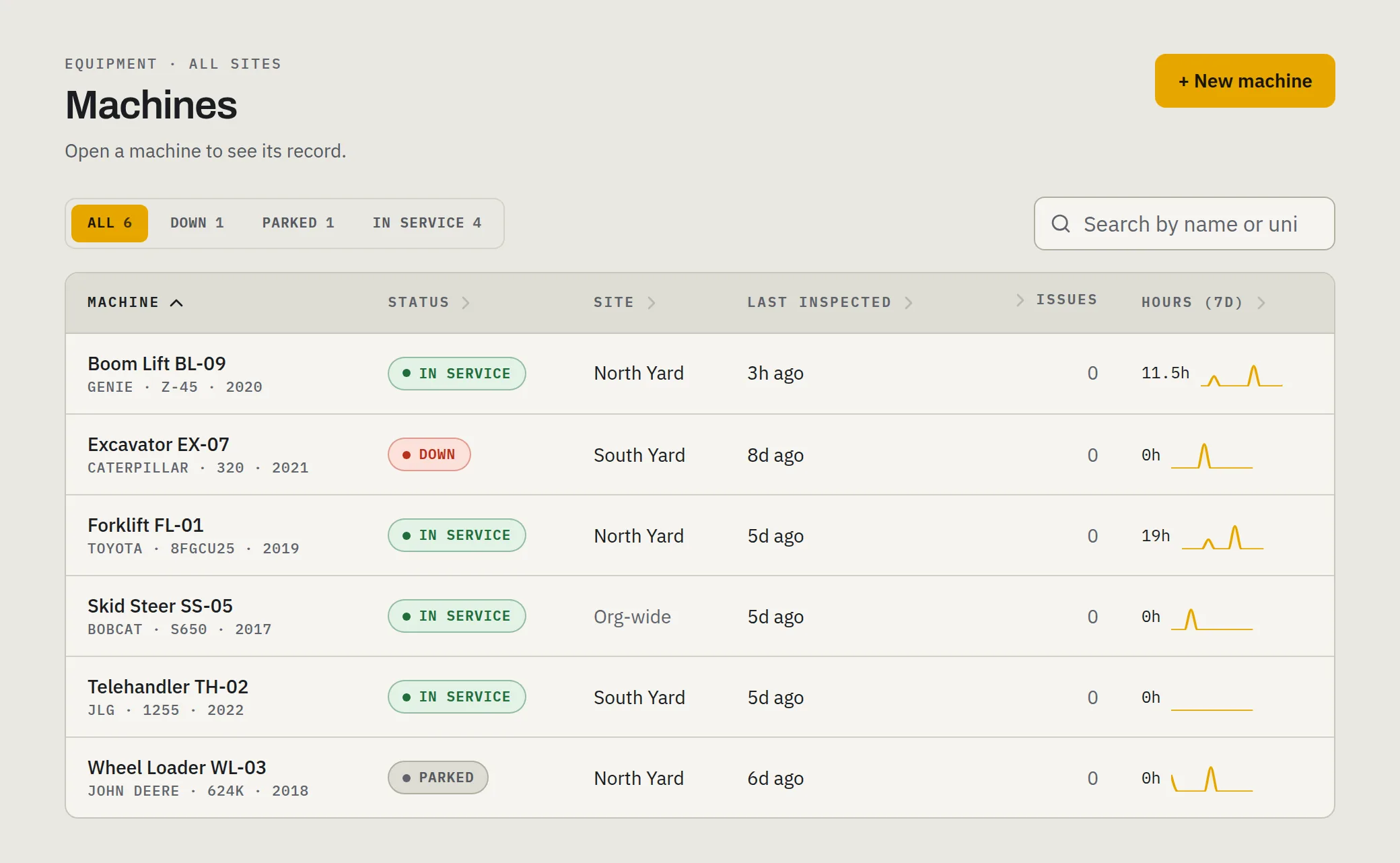
Snow removal equipment hour logs
On an hourly or time-and-materials contract, the hour log is the invoice. When a property manager, a general contractor, or your own sub questions a line, the log is what you have — and a log rebuilt from memory on Friday is an argument, not a record.
Why hour disputes happen
- Hourly and time-and-materials contracts put every machine-hour on the invoice, where someone reads it.
- Rented and subcontracted machines run on your lots under someone else’s paperwork, or none.
- Logs written after the storm — three nights of work rebuilt from texts and memory — are full of round numbers and gaps anyone can question.
What an hour record proves, and what it doesn’t
An hour record shows that a machine ran: when, for how long, and who was on it. It doesn’t show what the machine did while it ran. An inspection log proves a machine was checked; an hour log proves it ran. Neither proves a lot was cleared or a walk was salted, and neither is a slip-and-fall defence. If a contract or a claim turns on the service a property got, ask your counsel what they actually need, and keep that separately.
Meter hours and clock hours
A machine has two hour counts, and a log that holds up keeps both.
- Meter hours — the engine hour meter. It counts while the engine runs, and it is what the service schedule runs on.
- Clock hours — when the operator started and stopped work on the machine, engine running or not.
The two never match exactly, and they shouldn’t. A log with only one of them invites the question the other would have answered.
What makes a log hold up
- Written at the time, on the machine — not rebuilt at the end of the week.
- By the operator who ran it — the person who can answer for it.
- On a clock nobody edits — start and stop times the writer can’t round.
- Corrections that show — who made the correction and why, never an erasure.
- Gaps that stay gaps — a missing reading marked missing, not filled in with a guess.
The paper version
A paper log works if it lives on the machine and gets filled in at every start and stop. One line per stint on the machine:
| Date | Unit | Operator | Start time | Start meter | End time | End meter | Site or job | Initials |
|---|---|---|---|---|---|---|---|---|
Paper breaks in predictable places: at 3 a.m. with gloves on, on a clipboard that got wet, in a cab where the pen froze, and on Friday afternoon, when the week’s sheets get “completed” in the office. If you keep paper, collect the sheets every day, and don’t accept a week written in one pen at one sitting.
Subs and rented machines
A rented machine’s hours start at your intake reading: record the meter when it arrives and again when it goes back. A sub’s hours are only as good as the sub’s own log, unless their operators record on your system, against your machines’ records. Put that in the agreement before the season, not after the first disputed invoice.
Before the first storm
- Every machine listed, with its current meter reading.
- Every operator — yours, the subs’, the seasonal hires — set up to record before their first shift.
- One person who reads the logs each morning after a storm, while everyone still remembers the night.
The snow equipment pre-season checklist covers the machines themselves.
How wearpoint records hours
The operator taps in on the machine they’re running, which starts a session on the server’s clock, not the phone’s. Tapping out takes the hour-meter reading, and there is no tapping out without one. A session someone forgot to close is closed automatically and marked auto-closed, with no reading invented for it. A reading that implies more than 24 hours a day is refused, so a gloves-on typo can’t poison the record. When a meter is swapped or misread, an owner or manager corrects it with the reason on record. Owners and managers see each machine’s daily hours on its page. A sub’s operators are invited in as operators, by text, so their hours land on the machine they ran.
What it doesn’t do: it records hours per machine, not per property, and it doesn’t produce an invoice or an export. Keep the job reference in your own paperwork. See how it fits the machines a snow operation runs.